BouldR
A native Android app for climbers who want to log routes, track progress and review their sessions. Built during a mobile development course at Umeå University.
- Kotlin
- Jetpack Compose
- Room
- CameraX
- MVVM
- Role
- Developer & Designer
- Timeline
- Spring 2025
- Type
- Course project
Problem
The brief was to build a native Android app with a local database and camera integration. I wanted something I'd actually use, so I built a route tracker for climbers. Whether you're a beginner documenting your first sends or an experienced climber keeping a project list, BouldR gives you a simple way to log what you've done and what you're still working on.
The application
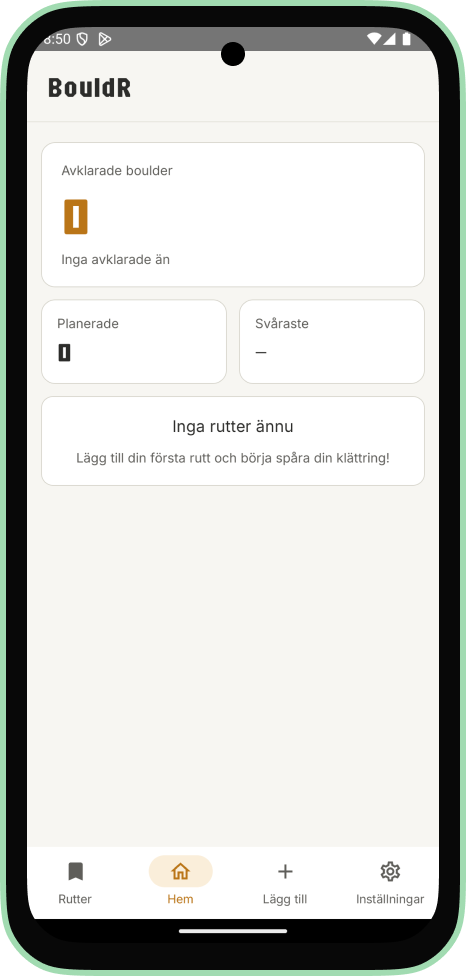
BouldR is built entirely in Kotlin with Jetpack Compose. The app centers on a single data model, a route, which carries a photo, a name, a difficulty grade, personal notes, a creation date, and a flag for whether it's been completed.
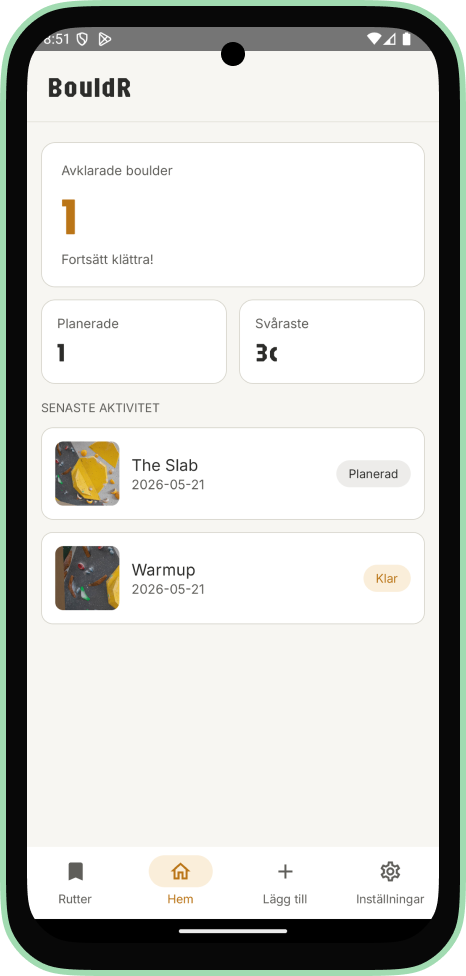
Routes are stored locally using Room, with a DAO layer handling all database operations. The architecture follows MVVM. A single ViewModel manages all route state and exposes derived values for completed count, planned count, hardest grade, and recent activity. These update reactively across the UI.
Adding a route
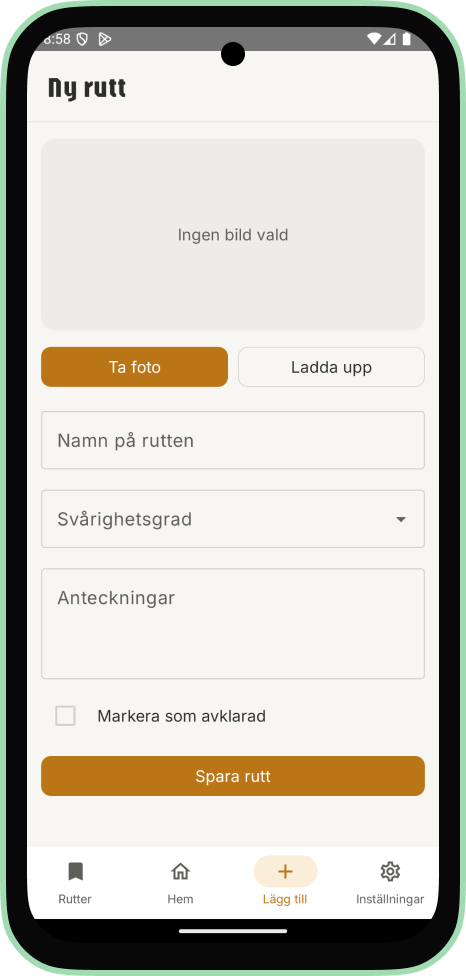
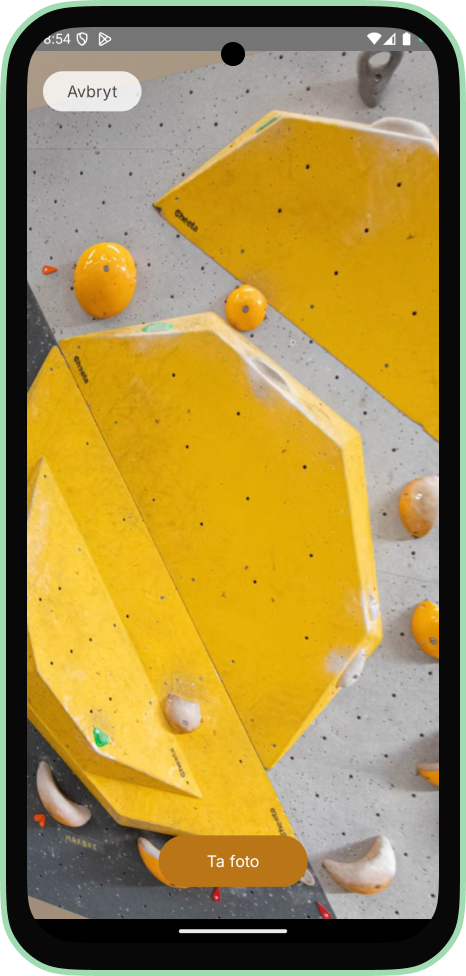
Adding a new route starts from the dedicated add screen in the navigation bar. The user either takes a photo in-app using the CameraX-powered camera view, or uploads one from their gallery. Both paths prompt for the relevant permission the first time.
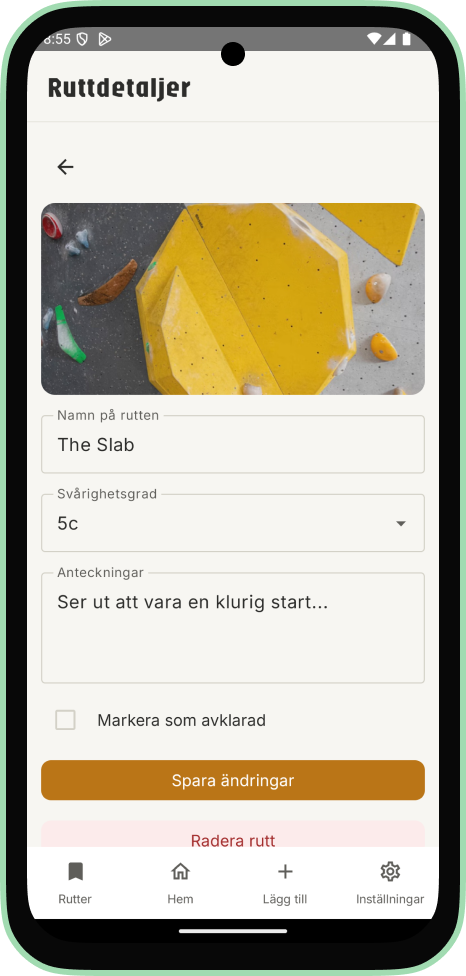
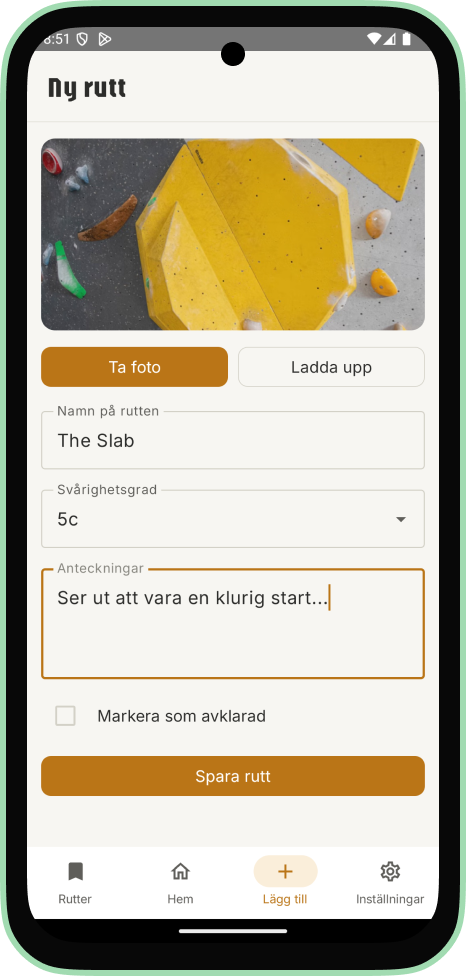
Once a photo is selected it appears in the form alongside fields for name, grade, and notes. The user can also mark the route as completed before saving, which is useful for logging routes after the fact.
Planned and completed routes
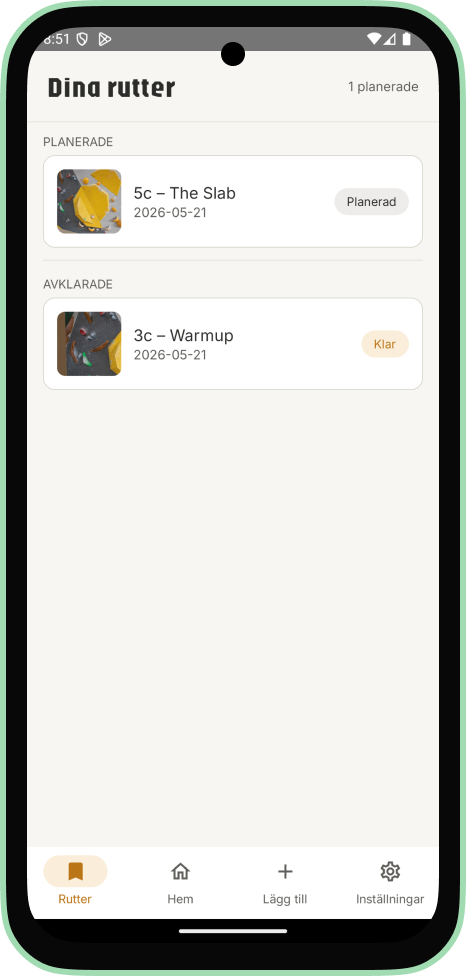
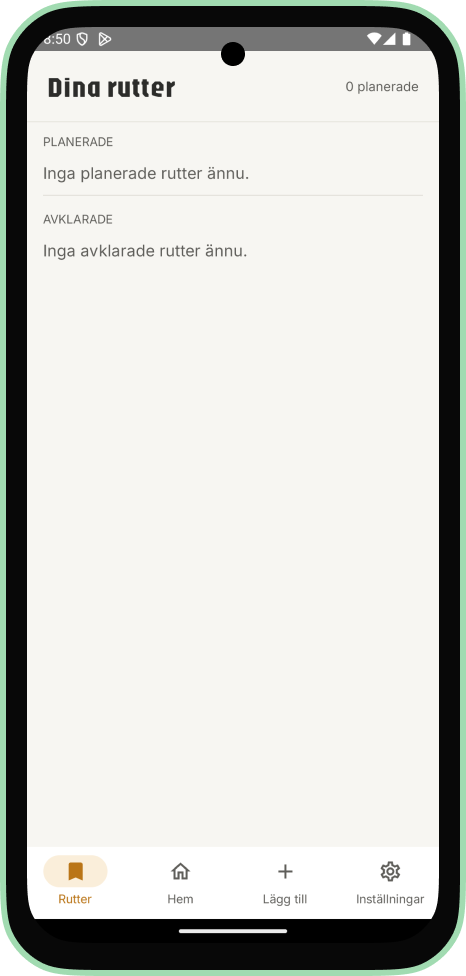
Routes live in one of two states: planned or completed. The routes screen shows both in separate sections, each entry showing a thumbnail, grade, date and a status badge. Tapping a route opens the detail screen where the user can edit any field, mark it as completed, or delete it. Marking it as completed moves it to the completed section and updates the home screen counters right away.
Completed routes can be moved back to planned from the same screen, in case something was marked by mistake.
Technical decisions
All data stays on the device.
There's no backend and no user accounts. Everything is stored locally using Room. This kept the scope realistic for a course project and made sense for the use case. A personal training log doesn't need to live anywhere other than your own phone. The settings screen exposes a single destructive option: clear all data.
CameraX over the standard camera intent.
Using CameraX instead of delegating to the system camera allowed for a fully custom camera UI embedded within the app. Photos taken in-app and images uploaded from the gallery are both copied to internal storage with timestamp-based filenames. This keeps the URI stable even if the source file is later moved or deleted.
ViewModelFactory for correct lifecycle handling.
A PlannedRouteViewModelFactory is used to construct the ViewModel with the DAO injected, rather than instantiating it directly. This ensures the ViewModel survives configuration changes like screen rotation and that the DAO dependency is wired up correctly.
Revisiting the UI
The original UI wasn't really designed. It was quickly put together to get the flow working, which was the point of the assignment.
About a year later, revisiting the project for my portfolio gave me a reason to go back and build the interface properly. I rebuilt it from scratch: a home screen with stat cards for completed routes, planned count, and hardest grade, a cleaned-up navigation bar, and consistent components across all screens. The core logic stayed intact.
What I'd add next
The most useful addition would be filtering. Being able to sort routes by grade, date, or status would make the list easier to navigate as it grows. I'd also like to add the ability to draw or annotate directly on a route photo, which would make planning beta more practical. Landscape support was started on the navigation bar as a proof of concept but wasn't prioritized since the app is designed primarily for portrait use.