Back to projects

Sketch'N'Guess

A GPS-based multiplayer drawing and guessing game for mobile, developed during a design sprint using React Native, Node.js and Socket.io for real-time communication.

  • Mobile Development
  • React Native
  • Node.js
  • Socket.io
  • Design Sprint
  • Prototyping
  • Figma
Role
Developer & Designer
Timeline
Autumn 2024
Type
Course project

Problem

The brief was to build a mobile app where users paint on a geographic canvas using their GPS position. We turned that into a multiplayer game: one player draws a word by physically moving outdoors, while everyone else tries to guess what they're drawing in real time, a mobile Pictionary where your route is the pen.

What we built

The full flow runs on iOS and Android from a single React Native codebase, communicating with a shared Node.js server via Socket.io. Every step, from creating a game to the final leaderboard, is handled by the server in real time.
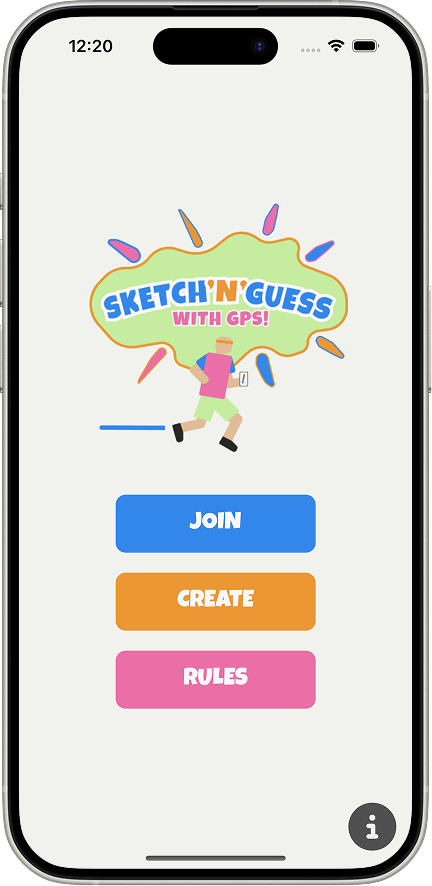
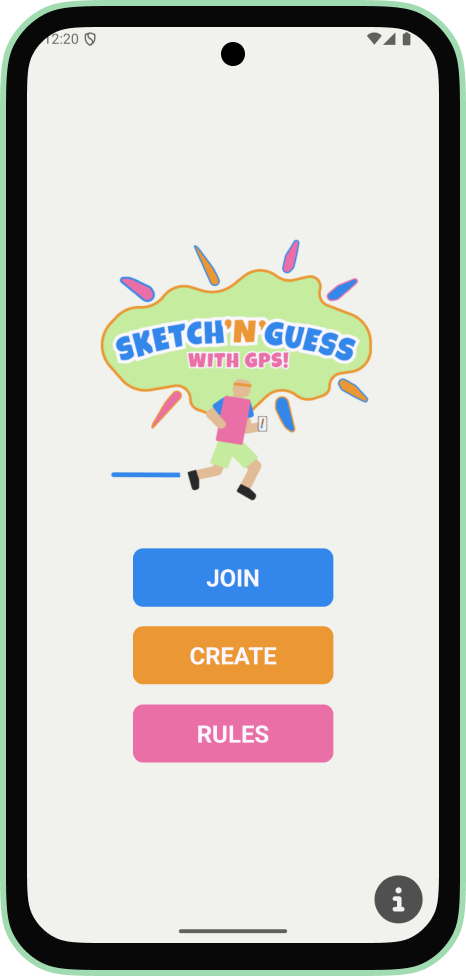
iOS home screen showing the Sketch'N'Guess logo with Join, Create and Rules buttons.
iOS — Home screen
Android home screen showing the Sketch'N'Guess logo with Join, Create and Rules buttons.
Android — Home screen

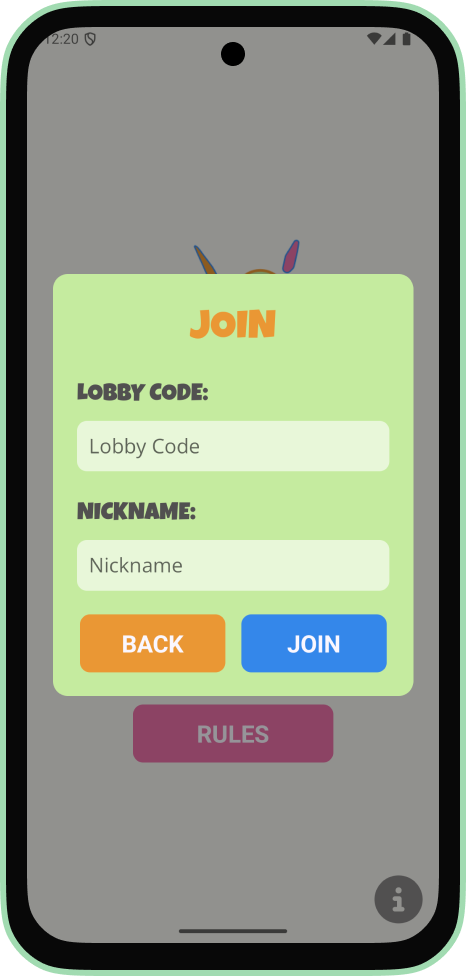
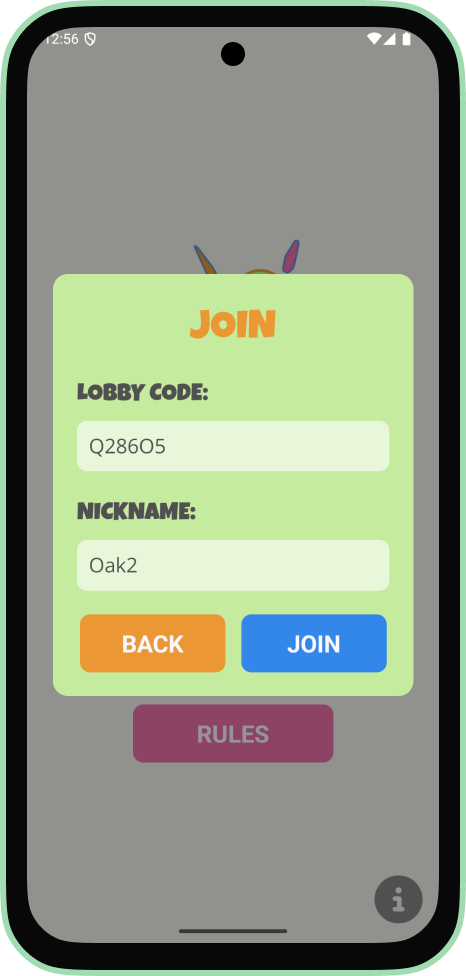
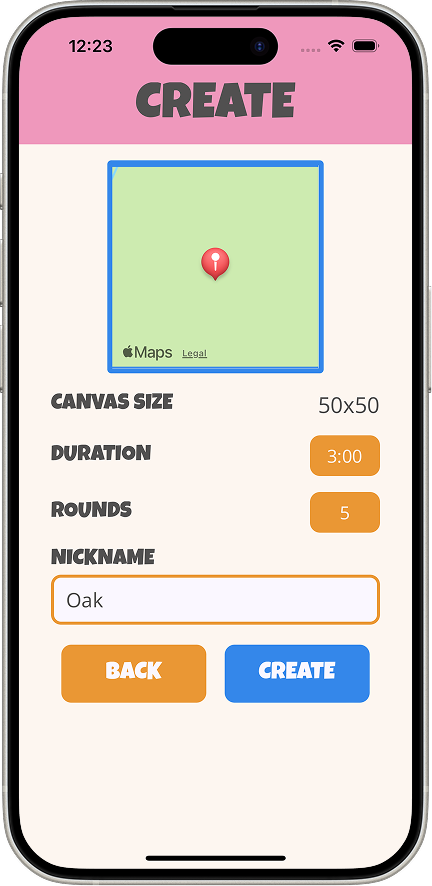
The host sets up the game, canvas size, round duration and their nickname. The server generates a lobby code. Other players join by entering the code and a nickname.
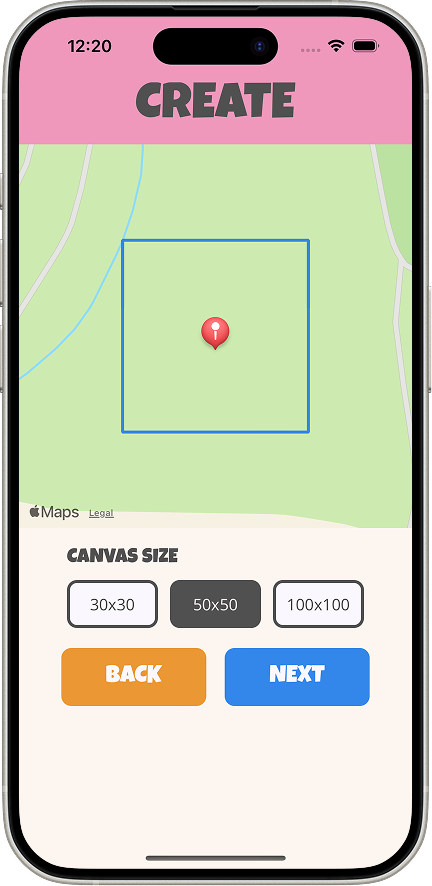
iOS create screen showing a map with a canvas boundary and canvas size options.
iOS — Create: Setup of canvas
iOS create screen showing a map preview, canvas size set to 50x50, duration set to 3 minutes, rounds set to 5, nickname field filled with Oak, plus Back and Create buttons.
iOS — Create: Setup of game settings
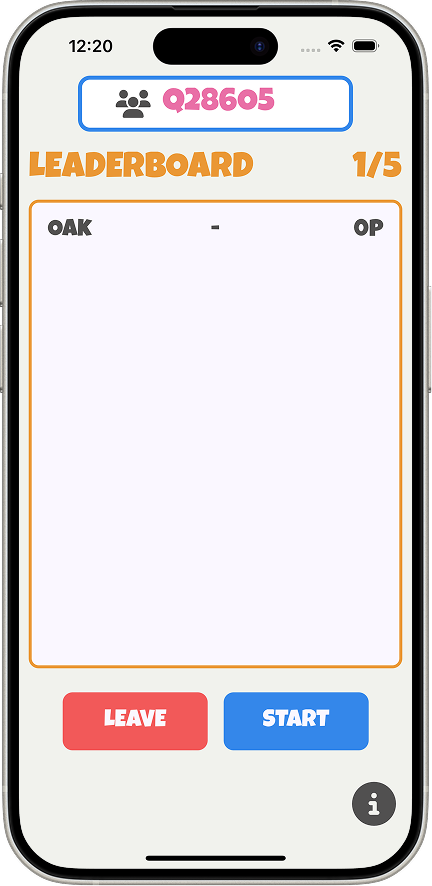
iOS lobby screen showing room code Q28605, a leaderboard in round 1 of 5 with player OAK on 0 points, and Leave and Start buttons.
iOS — Created lobby
Android join screen showing an empty form with fields for Lobby Code and Nickname, plus Back and Join buttons.
Android — Join popup
Android join screen showing the join form filled in with lobby code Q286O5 and nickname Oak2.
Android — Entered information

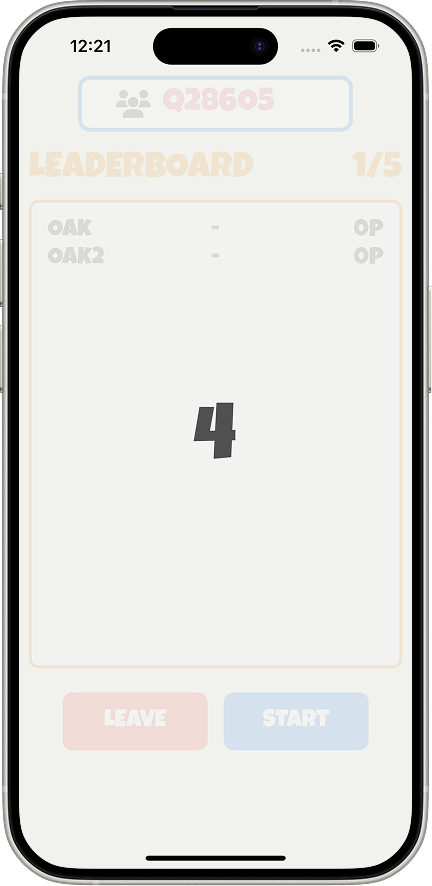
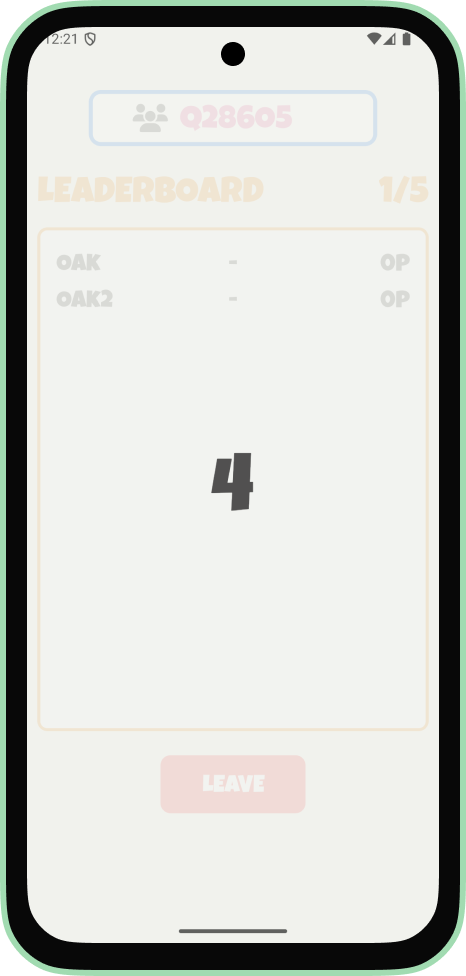
Once everyone is in, the lobby shows a live leaderboard that updates after each round. The host starts each round when ready, the server then randomly assigns who draws and gives them a word
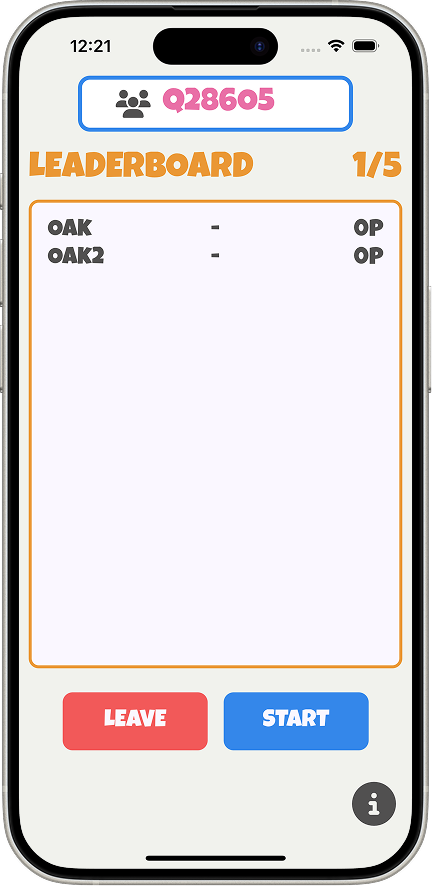
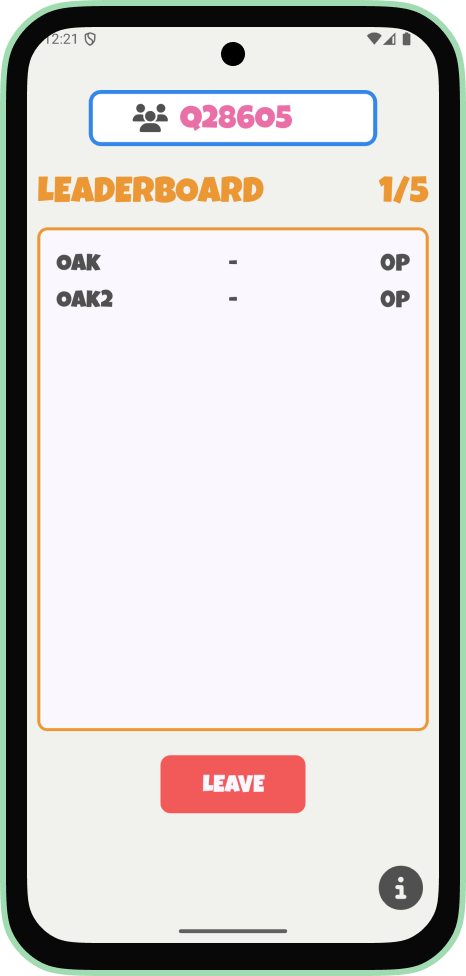
iOS lobby screen showing room code Q28605, a leaderboard in round 1 of 5 with players OAK and OAK2 both on 0 points, and Leave and Start buttons.
iOS — Lobby
Android lobby screen showing room code Q28605, a leaderboard in round 1 of 5 with players OAK and OAK2 both on 0 points, and a Leave button.
Android — Lobby
iOS lobby screen showing the countdown overlay with the number 4, room code Q28605, and players OAK and OAK2 both on 0 points.
iOS — Countdown before round
Android lobby screen showing the countdown overlay with the number 4 before the round starts.
Android — Countdown before round

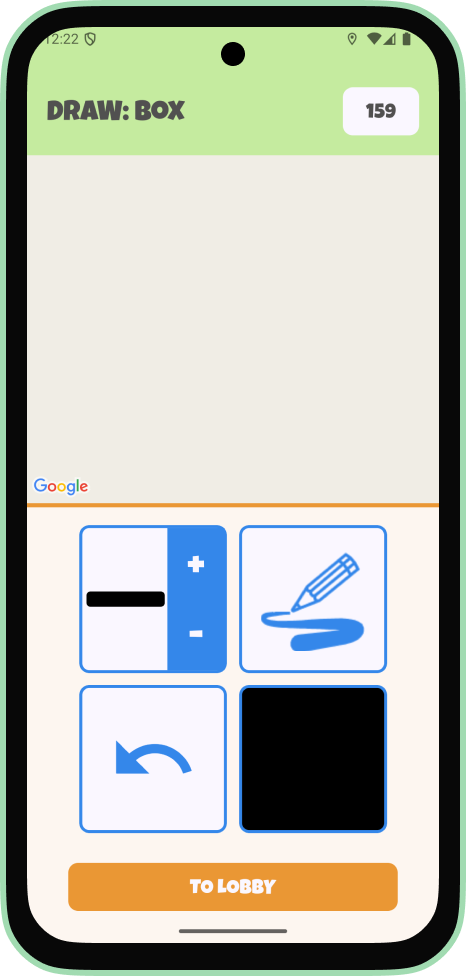
The drawer sees their word and starts moving. GPS coordinates stream in real time to the server and out to all connected guessers, rendered as polylines on a blank map canvas. The drawer can adjust brush size, color and undo strokes while moving.
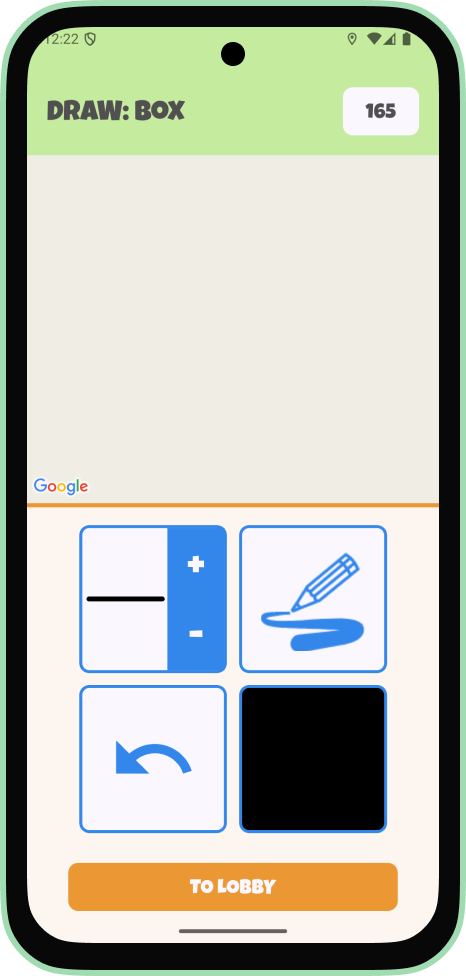
Android draw screen showing the word BOX, an empty map canvas, drawing tools for brush size, stroke style, undo, and color, plus a To Lobby button.
Android — Drawing in progress
Android draw screen showing the word BOX with a slightly larger brush size selected on the drawing tools panel.
Android — Drawing further along
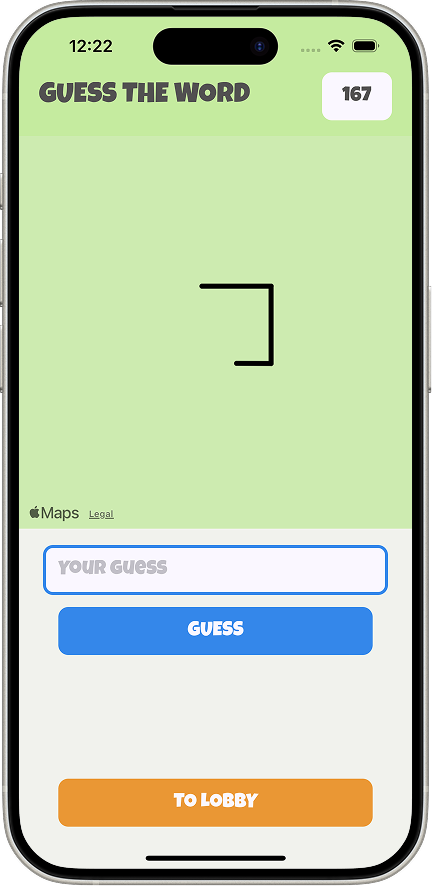
iOS guess screen showing a partial GPS-traced shape on the map canvas, a text input for guesses, a Guess button, and a To Lobby button.
iOS — Watching the drawing appear
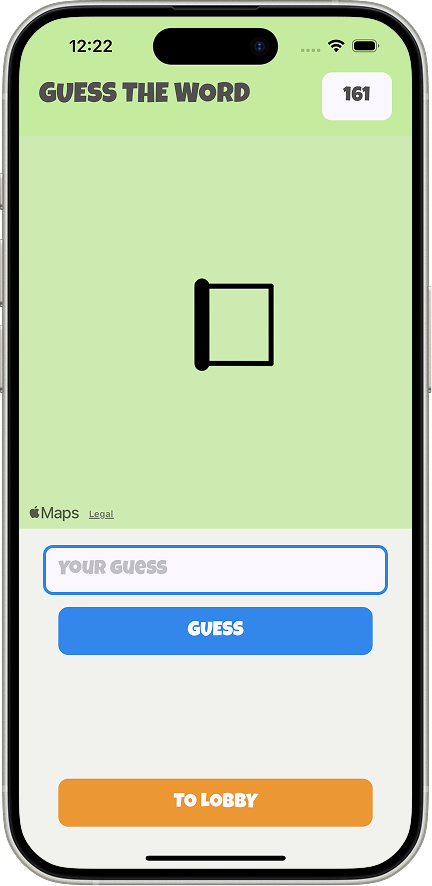
iOS guess screen showing a near-complete GPS-traced box shape on the map canvas, a text input for guesses, a Guess button, and a To Lobby button.
iOS — Guessing

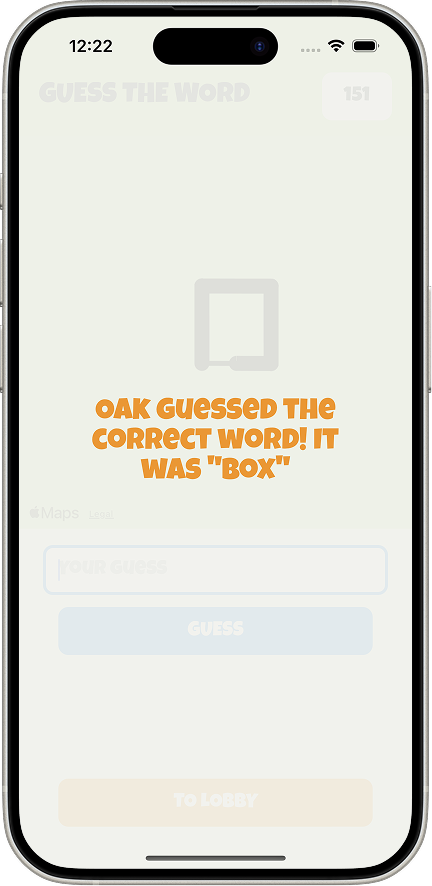
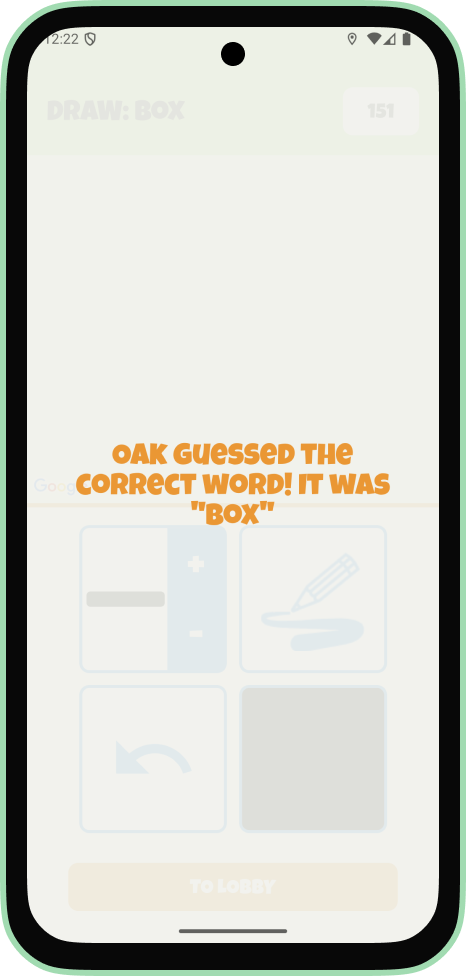
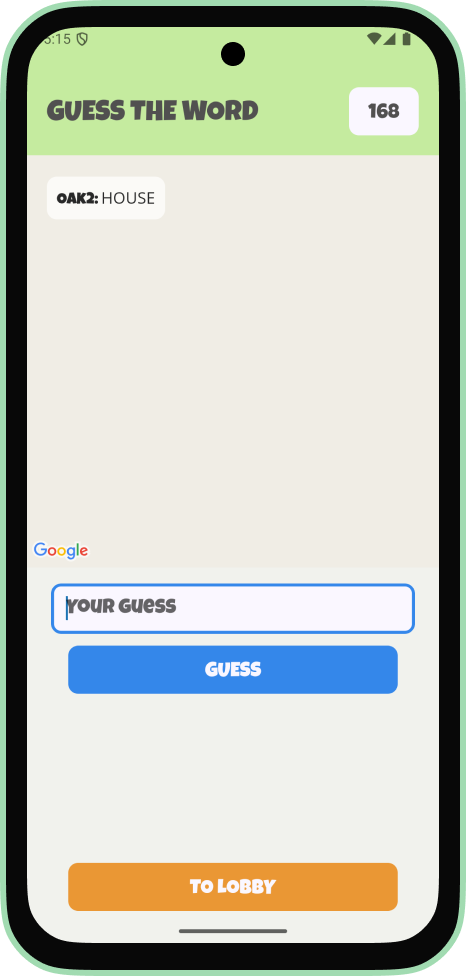
Guessers see the drawing appear stroke by stroke and type their guesses into the chat. Every message is checked server-side, a correct guess ends the round immediately, awards points to both the guesser and the drawer, and notifies all players.
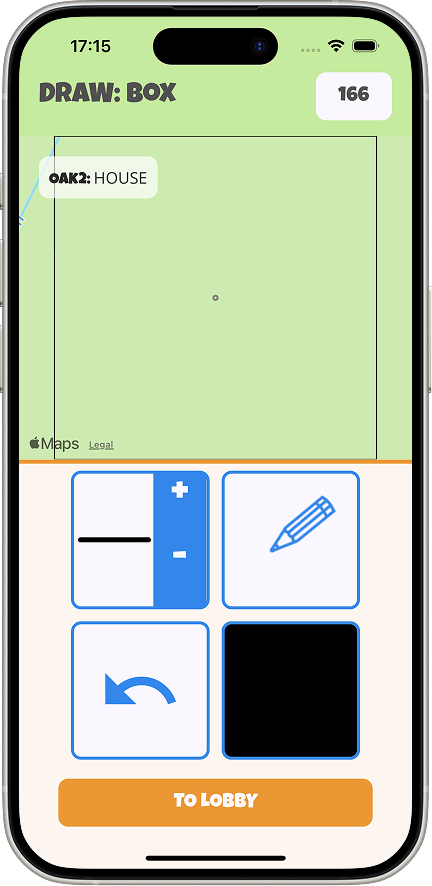
iOS draw screen showing the word BOX, a chat message from OAK2 reading HOUSE on the map canvas, drawing tools for brush size, stroke style, undo, and color, plus a To Lobby button.
iOS — Chat with guesses
Android guess screen showing the map canvas, a chat message from OAK2 reading HOUSE, a text input for guesses, a Guess button, and a To Lobby button.
Android — Chat with guesses
iOS guess screen showing the correct guess overlay with the message: OAK guessed the correct word! It was BOX, with the guess input and buttons faded in the background.
iOS — Correct guess
Android draw screen showing the correct guess overlay with the message: OAK guessed the correct word! It was BOX.
Android — Correct guess
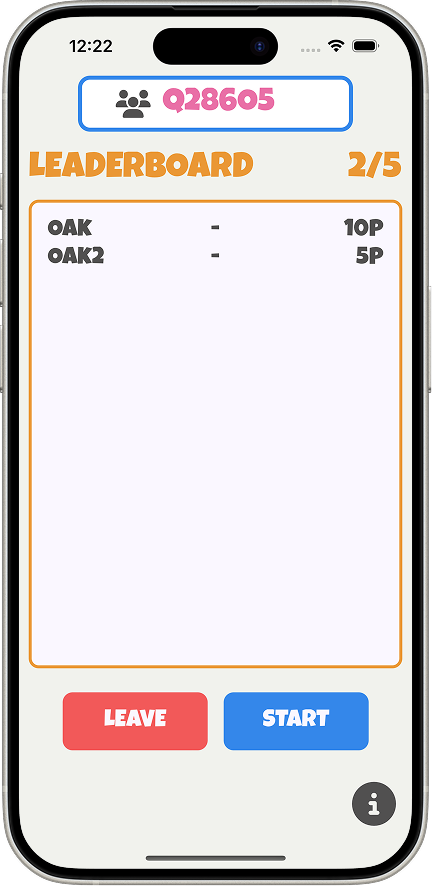
iOS lobby screen showing room code Q28605, a leaderboard in round 2 of 5 with OAK on 10 points and OAK2 on 5 points, and Leave and Start buttons.
iOS — Updated leaderboard
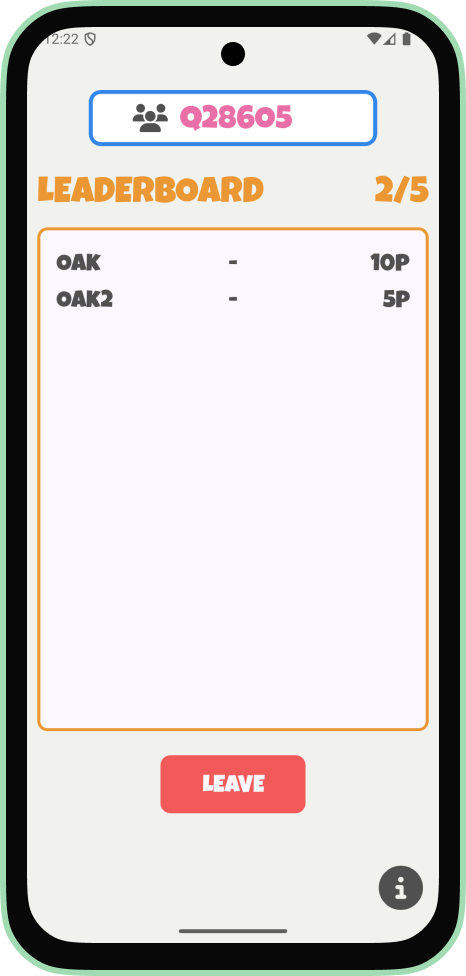
Android lobby screen showing room code Q28605, a leaderboard in round 2 of 5 with OAK on 10 points and OAK2 on 5 points, and a Leave button.
Android — Updated leaderboard

Individual contribution

My main focus was the Node.js server and the chat function.

The server handles all game logic. Creating and joining games, assigning the drawer and word, distributing roles to connected clients, and managing the full session state via Socket.io. The chat doubles as the guessing mechanism: incoming messages are checked against the correct word server-side, and a correct guess ends the round and distributes points. Beyond the server, I contributed across the project where needed.

Revisiting the project

Two years later, I revisited the codebase.

The original implementation worked, but the code was inconsistent. There were a lot of magic numbers, mismatched layouts across screens, and some server-side bugs around session cleanup on timeout and disconnect. Returning to it for my portfolio gave me a chance to fix what I would have done differently the first time: a consistent design system, proper safe area handling, flex-based layouts, and cleaner server logic. The screenshots here reflect that updated version.